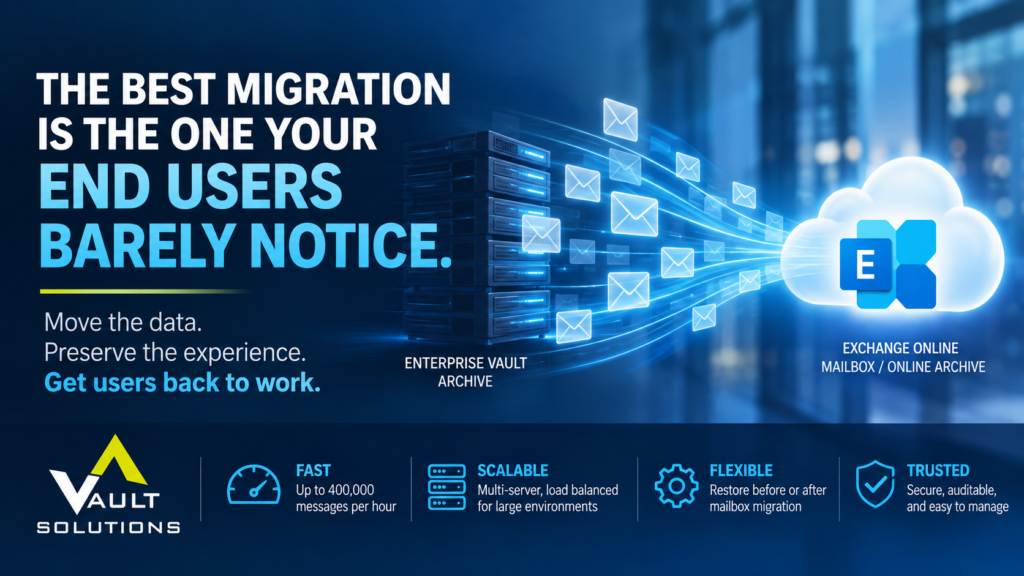
How much data needs to move? How quickly can we move it? What’s the migration window? What happens to Enterprise Vault? How do we get everything into Exchange Online?
They’re important questions.
But there’s another question that deserves just as much attention:
What will the migration feel like to the end user?
Because from an employee’s perspective, success isn’t measured in terabytes migrated or messages processed per hour.
It’s much simpler.
They open Outlook. Their email is where they expect it to be. They can find what they need. And they can get back to work.
That’s the experience Archive Accelerator Restore from Vault Solutions was designed to help deliver.
Restore the Data. Preserve the Experience.
Enterprise Vault has been an incredibly effective archiving platform for organizations around the world. But as more enterprises move toward Microsoft 365 and Exchange Online, years—or even decades—of archived email need to come along with them.
The challenge is doing that without creating unnecessary disruption.
Enterprise Vault’s built-in restore functionality can return all archived items to a user’s mailbox, including messages associated with deleted shortcuts or items users may no longer want. In older Enterprise Vault environments, moved shortcuts can create additional complications, potentially causing restored messages to land in the wrong folders.
Archive Accelerator Restore takes a more targeted approach.
The solution can replace Enterprise Vault shortcuts with the original messages, restoring those messages directly to the folders where users expect to find them. Administrators can choose to restore only items corresponding to shortcuts or include archived items for which shortcuts no longer exist.
The result?
A mailbox that feels like the user’s mailbox.
And that matters.
Make the Technology Change Invisible
There is a tendency to think of migration as an IT project.
Technically, it is.
Experientially, it shouldn’t be.
When technology changes create friction for employees, the downstream effects multiply quickly: support tickets increase, IT teams spend time troubleshooting individual mailboxes, employees struggle to locate historical information, and confidence in the migration can decline.
A better approach is to make as much of that complexity invisible as possible.
Archive Accelerator Restore can restore archived messages directly into Exchange Online mailboxes and Online Archives, and restoration can take place either before or after the mailbox itself is migrated. However, most companies move the mailboxes first, since they are not likely to have the space otherwise.
That flexibility gives IT teams more control over their migration strategy while helping preserve continuity for employees.
The backend changes, but the user’s ability to access their information doesn’t have to.
And Yes, It Needs to Be Fast
User experience matters.
But when you’re responsible for migrating thousands—or tens of thousands—of mailboxes, so does throughput.
Archive Accelerator Restore was designed for enterprise-scale environments. It can process multiple mailboxes simultaneously, uses multi-process, multi-threaded operation for greater throughput, and can typically migrate a TB of data per day, per Archive Accelerator server.
For migrations involving more than 1,000 mailboxes, Restore can be installed across multiple servers and load-balanced to increase throughput.
Its unattended mode also allows teams to schedule concurrent restores during evenings, weekends, or other designated windows—or run continuously when the migration strategy calls for it.
And because no intermediate storage is required, organizations don’t need to create another repository simply to facilitate the move.
Install it, configure it, and messages can begin migrating.
Control Behind the Scenes
Making migration simple for the end user doesn’t mean sacrificing control for IT.
Administrators manage the restore process through the Archive Accelerator Management Console, with capabilities including Straight Through Processing, retry functionality for failed mailbox items, support for modern authentication, and a complete audit trail for chain-of-custody reporting.
And for those in the know, you are aware that Microsoft is sunsetting the EWS protocol and requiring new migrations to use the new Graph API, which we now fully support.
That combination of capabilities is important.
Simple for the employee. Controlled for IT. Auditable for the organization.
That’s what enterprise migration should look like.
A Migration Shouldn’t Become the User’s Problem
The most sophisticated enterprise technology often does its best work quietly.
Employees don’t need to understand how archived messages were extracted from Enterprise Vault.
They don’t need to know how many processes were running simultaneously.
They don’t need to understand load balancing, authentication, throughput, or migration architecture.
They just need their email.
For IT leaders planning a move away from Enterprise Vault—or simply looking for a better way to re-hydrate archived content—that should be the goal.
Move the data.
Preserve the experience.
Minimize disruption.
And let your users get back to work.
Because ultimately, the best migration isn’t the one everyone talks about.
It’s the one your end users barely notice.